Skip to content
BlackboxSignage
Dark night sky above a city with cyan light trails below.

Digital signage

Everything from one hand

Hardware, software, setup, support — and one contact who stays responsible for all four.

Send an enquiry How it works

Price on request. We reply within one working day.

Hardware

A box smaller than a book

No computer behind the screen, no contract with a display vendor. One small device on the HDMI port is enough — power, network, done.

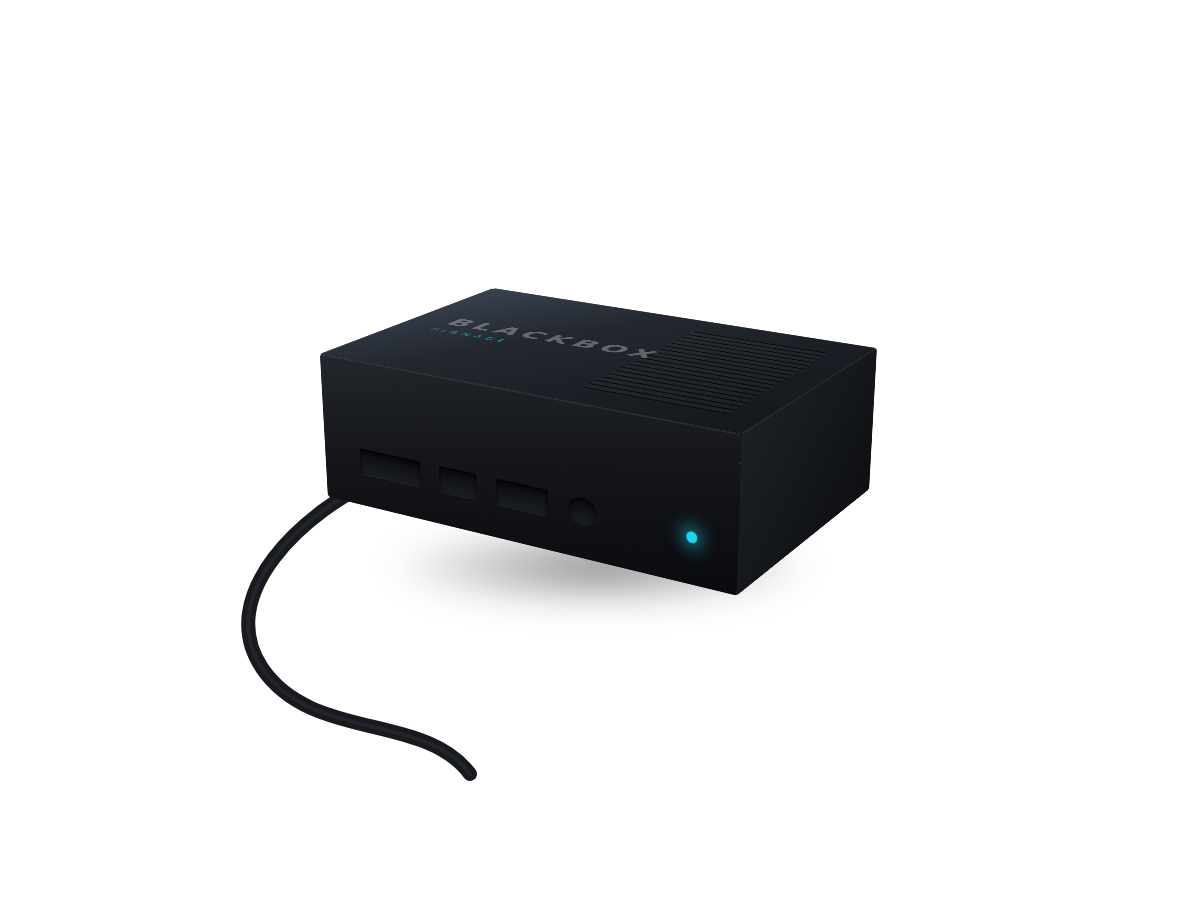
Schematic drawing of a small media player with HDMI, USB, network and power connectors and a status light.
Schematic drawing, not a specific device model.
  • Any screen

    TV, monitor, window display: anything with HDMI becomes a signage screen. Existing sets keep being used.

  • Silent and frugal

    No fan, no noise at the counter, a few watts. It runs around the clock and stays cool.

  • Survives a power cut

    Playback resumes on its own after switching on. Nobody has to crawl behind the screen and click anything.

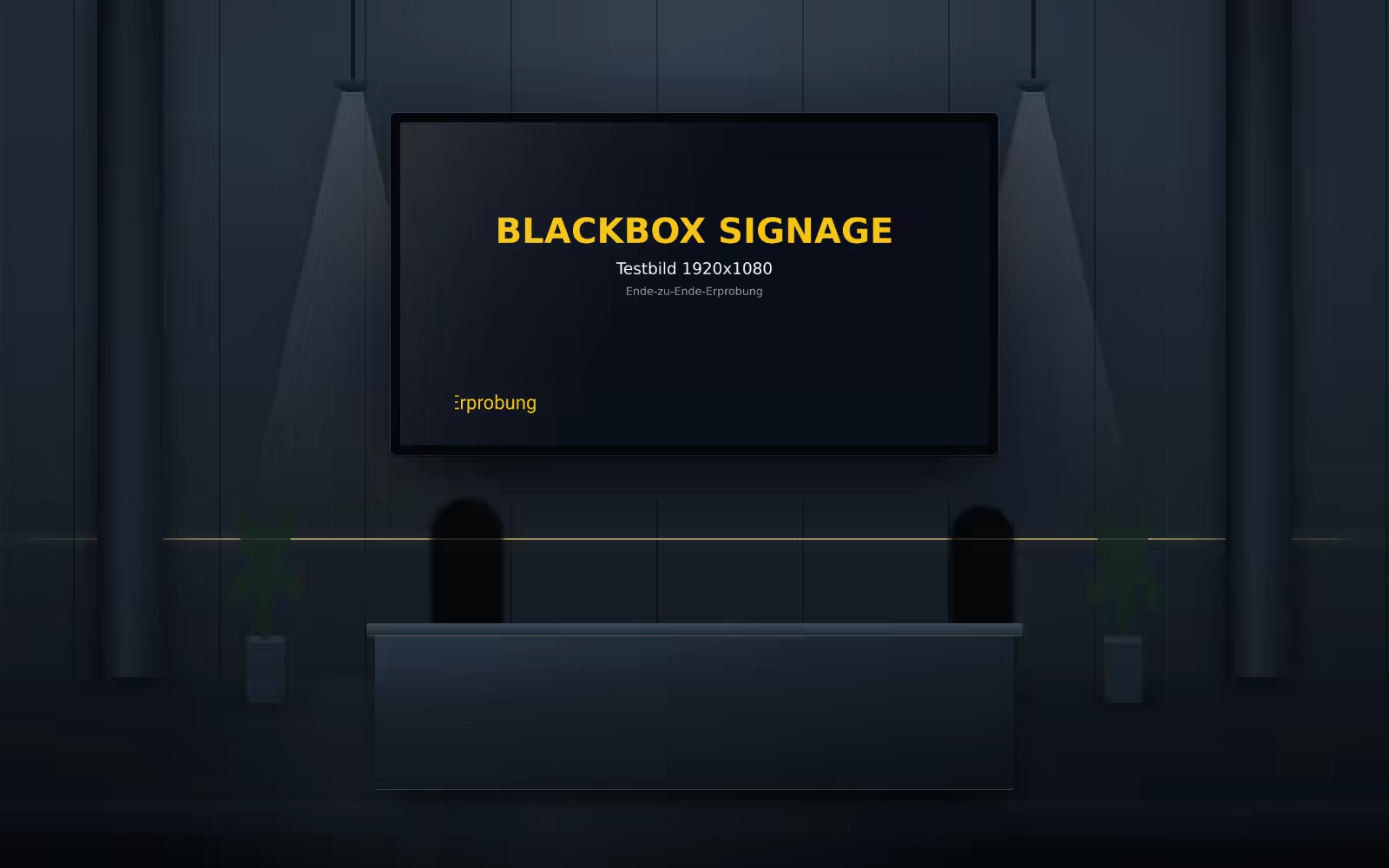
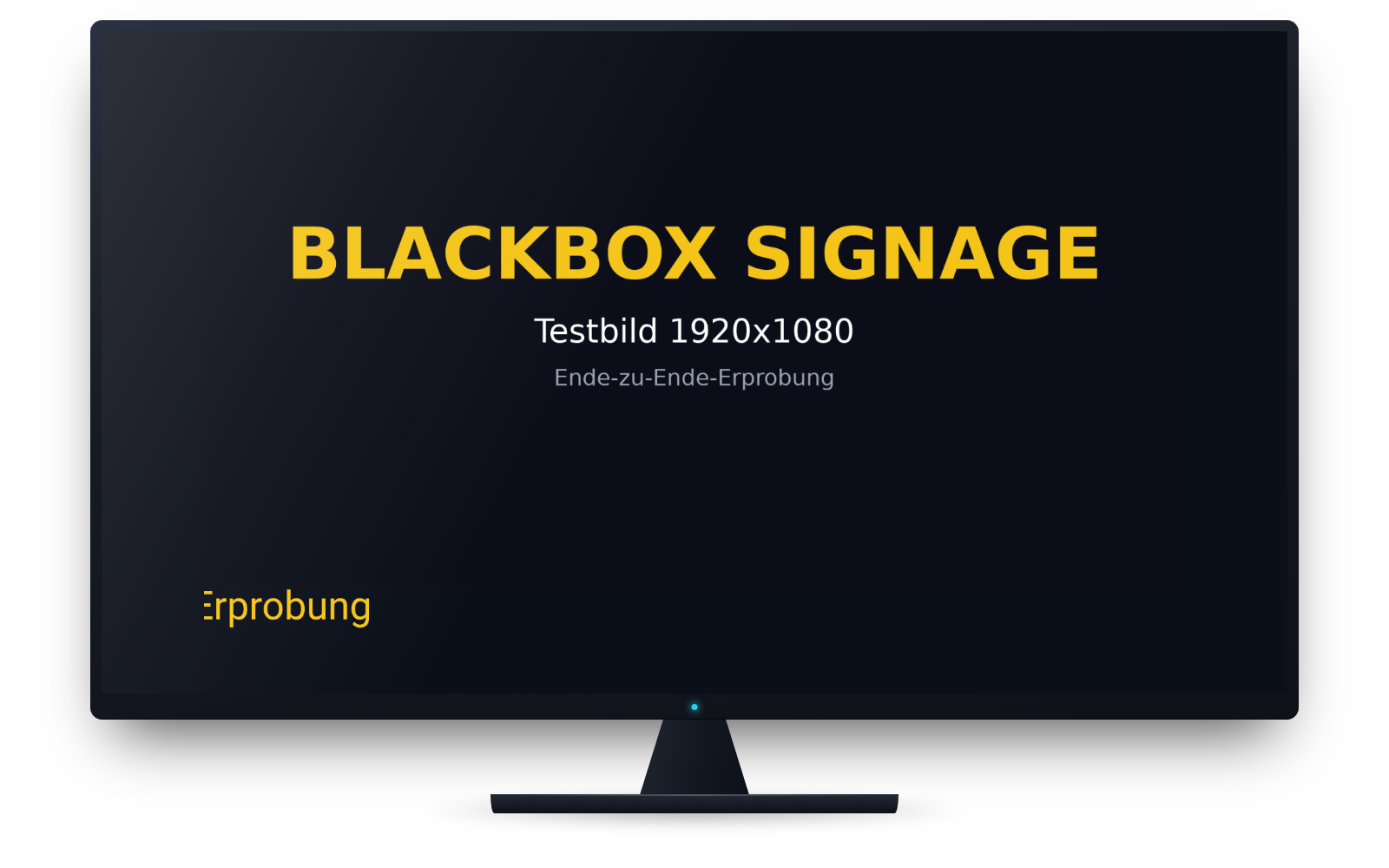
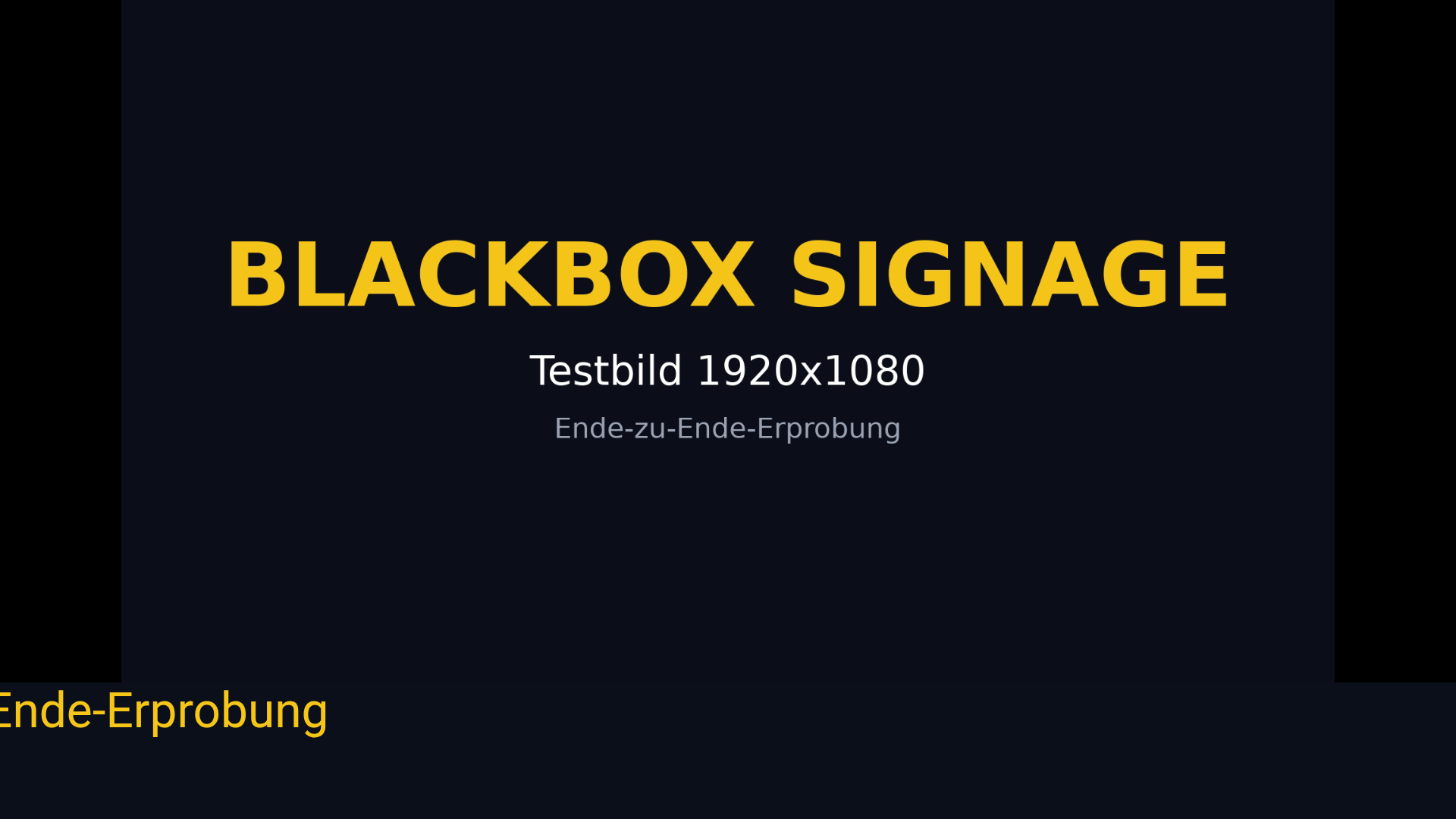
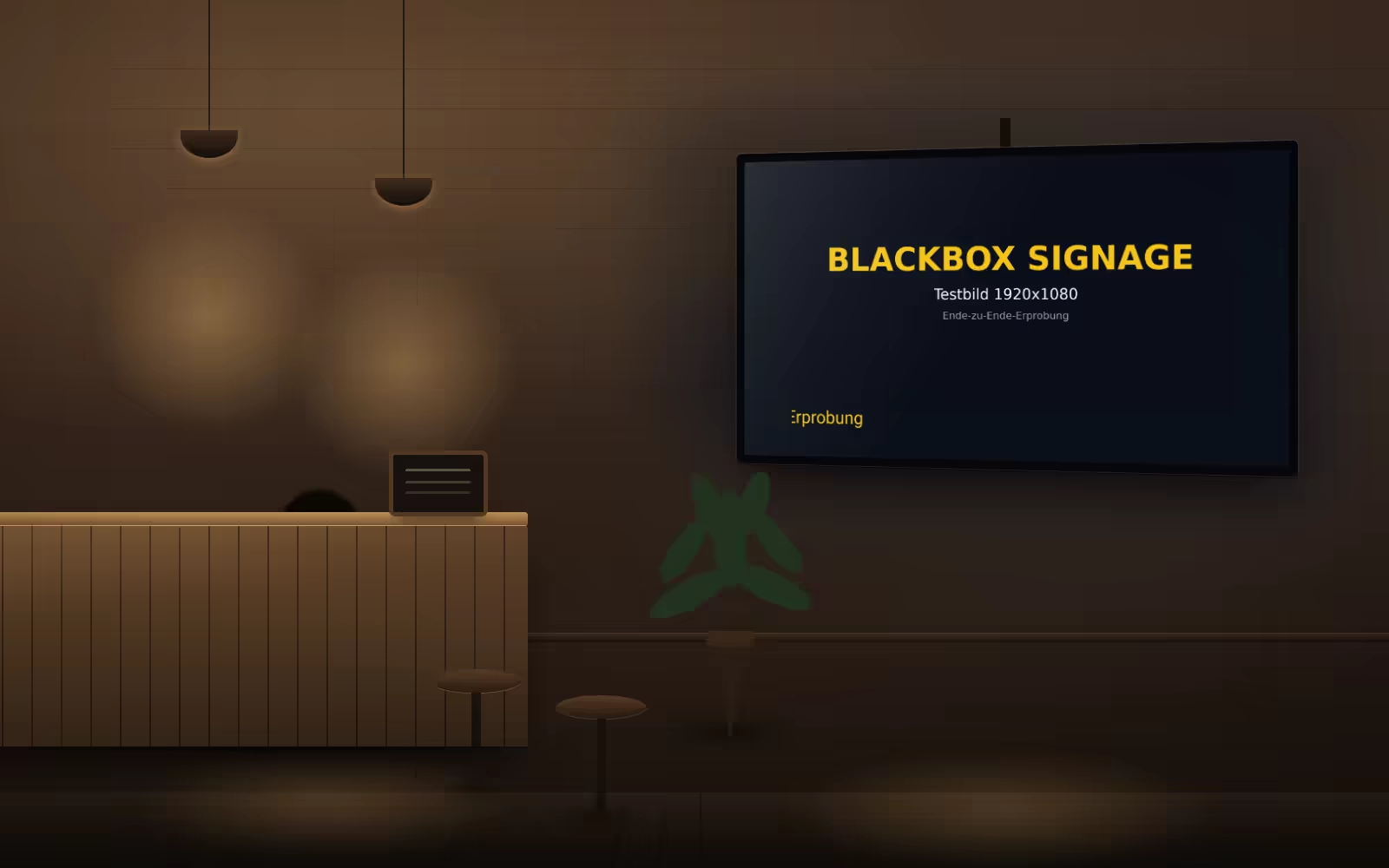
Wall-mounted screen showing a running layout from our own system.
Screen content: a real capture of our player.

Software

All your screens in one window

Sign in, upload, pick a screen, done. The interface runs in the browser — nothing to install, no training, no service contract.

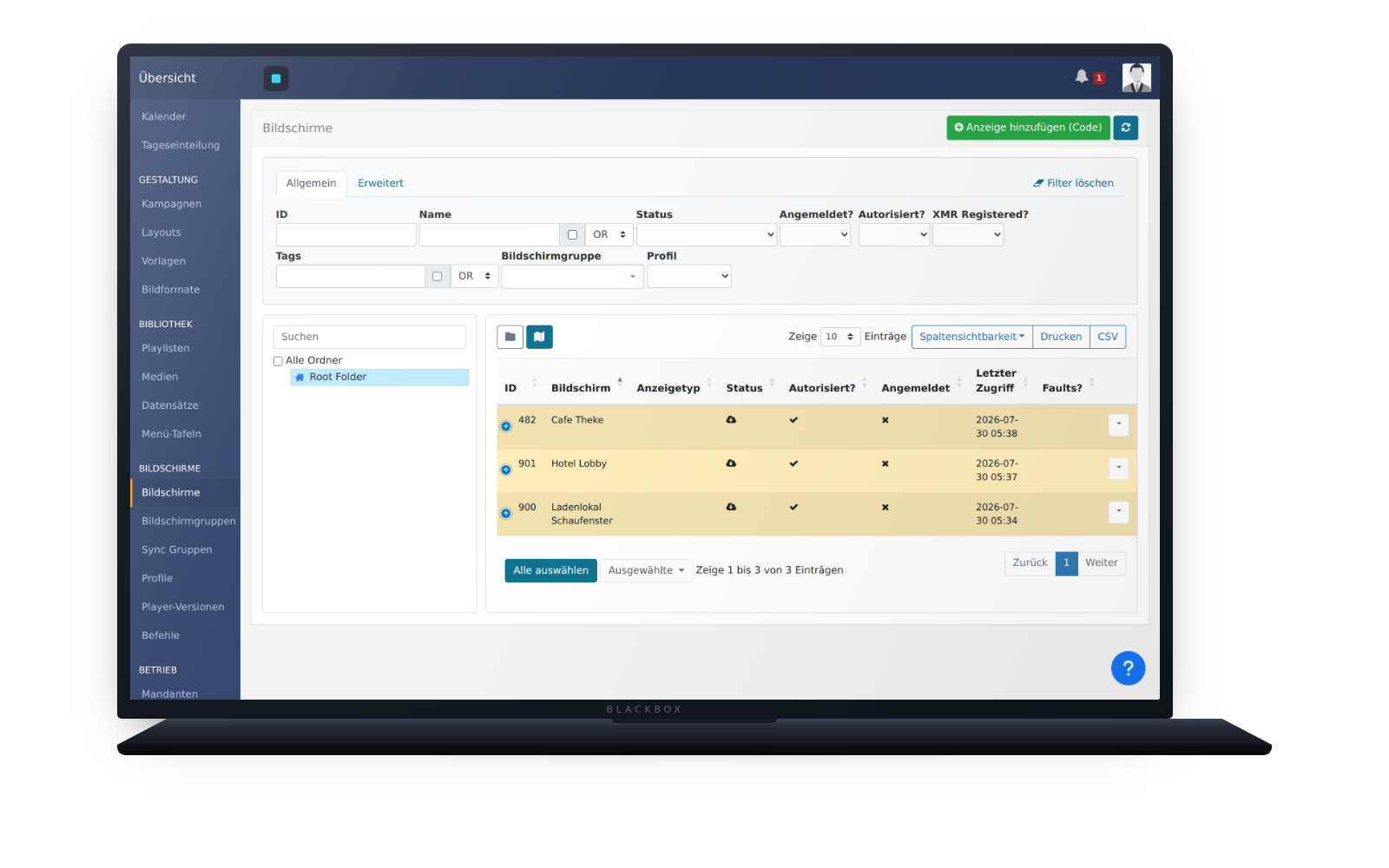
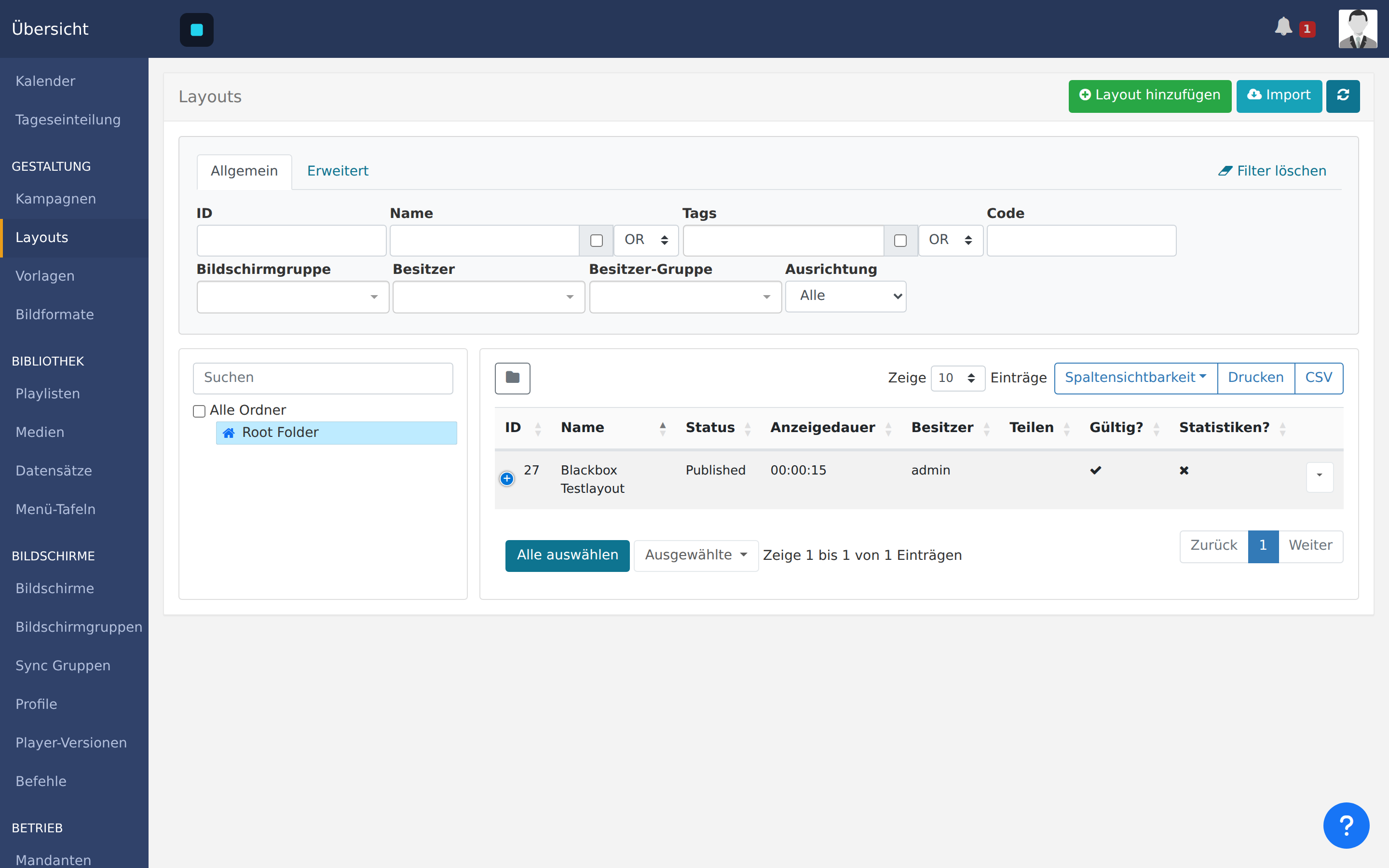
Real captures of our running system, not mock-ups.

Open laptop showing the customer interface in a browser.
Switch views with the arrow keys or by clicking.

Switch views with the arrow keys or by clicking.

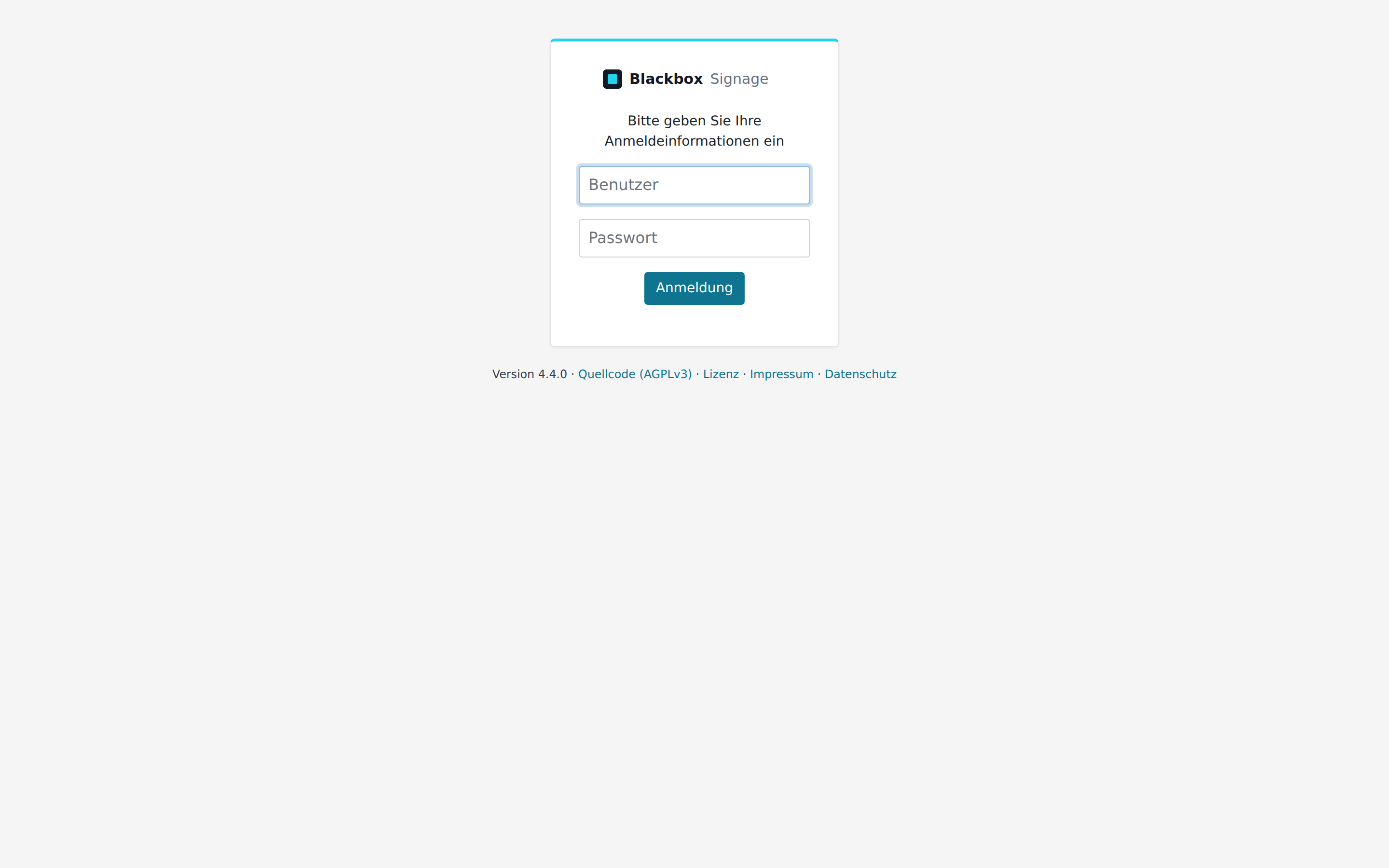
Sign-in page of the customer interface with user name and password.

Sign in

One account for your business. Your data sits apart from everyone else — enforced by tenant separation, not by hope.

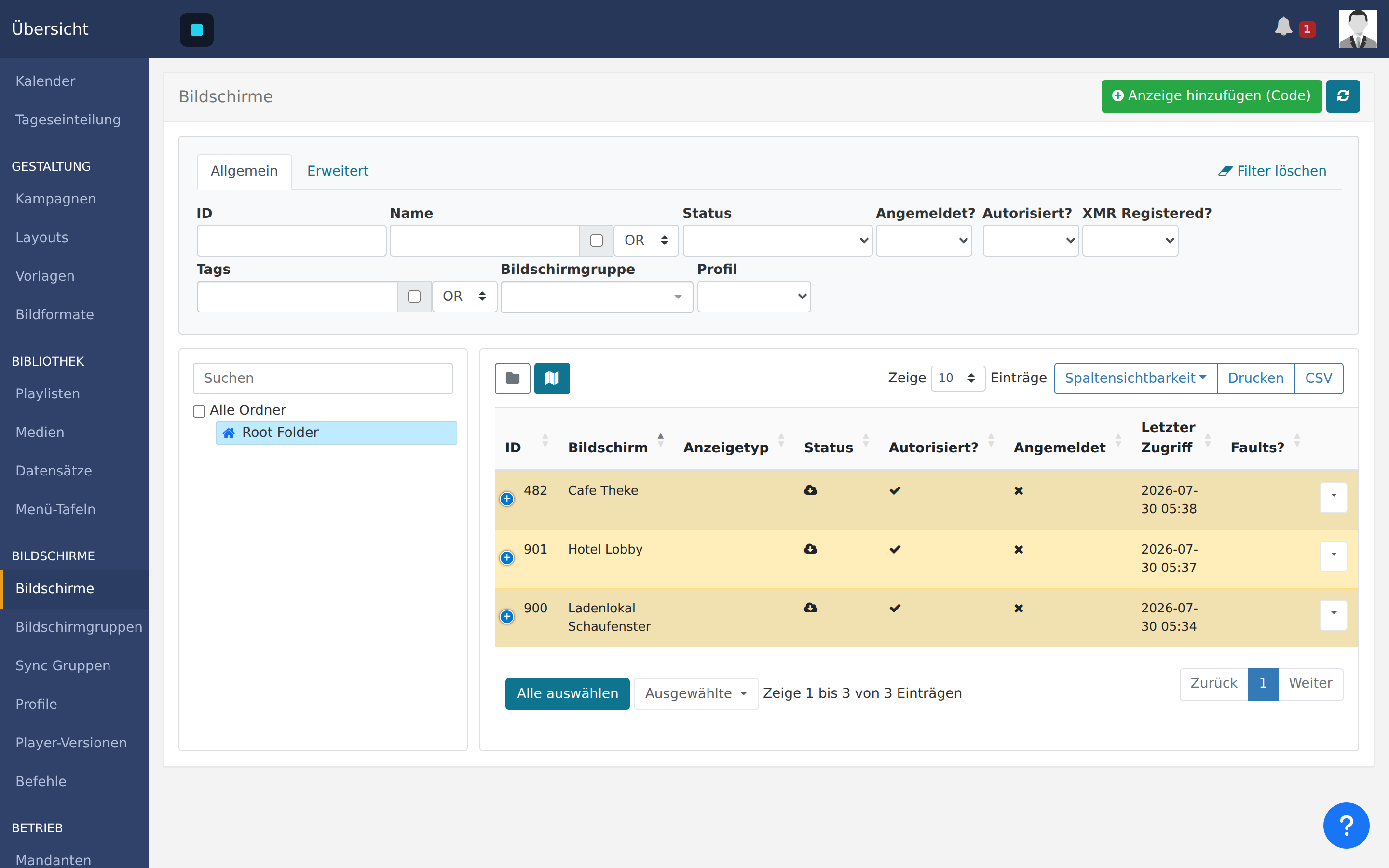
List of registered screens with name, state and last contact.

See your screens

Every screen with name, place and state. One glance tells you which device is up and which one went quiet.

Overview of layouts with names and editing status.

Schedule content

Images, video, price boards. What runs when and where is scheduled once and then keeps running by itself.

Setup

Live in three steps

No engineer, no appointment, no remote session. You plug the device in and read off a code — we do the rest from here.

About ten minutes in total.

  1. 01

    Plug it in

    Box into HDMI, power on, network by cable or Wi-Fi. The screen shows an activation code right away.

  2. 02

    Enter the code

    Enter the code in the interface and name the screen — "counter", "window", whatever helps you.

  3. 03

    Running

    The screen fetches its schedule and plays it. From now on one click changes everything.

The screen fetches its schedule and plays it. From now on one click changes everything.
Running

Support

One contact, not four

Device, interface, setup, fault: you call one place. We pass nothing to a vendor, because there is no third party in between.

  • Everything from one hand

    Hardware, software, setup and support come from us. When something breaks, nobody has to work out who is responsible.

  • Servers in Germany

    Your content and your screen data sit on servers in Germany, under German law. No sharing with third parties, no profiling.

  • No vendor lock-in

    The interface is under an open licence and the source is readable. You can export your data at any time and carry on with your own hardware.

  • No visitor tracking

    This site does not count you. No analytics service, no consent banner, no recognising you across other sites.

Sectors

Where it pays off quickly

Anywhere people wait or walk past: whatever hangs on paper today and is wrong tomorrow belongs on a screen.

Illustration of a café: a screen behind the counter playing a layout, guests suggested in front of it.
Illustration, not a customer installation

Hospitality

The board that rewrites itself

Lunch menu at eleven, drinks in the evening, holiday prices without a new chalkboard. The screen behind the counter changes by the clock, untouched.

  • Change the menu without printing
  • Different offers per time of day
  • Hide sold-out items instantly
Illustration of a shop: a screen in the display window playing a layout, shelves beside it.
Illustration, not a customer installation

Retail

The window that works after closing

A screen in the window shows offers even when the shop is shut. A new campaign means uploading a file, not dressing a window overnight.

  • Run campaigns the same day
  • Serve several branches at once
  • Correct prices centrally
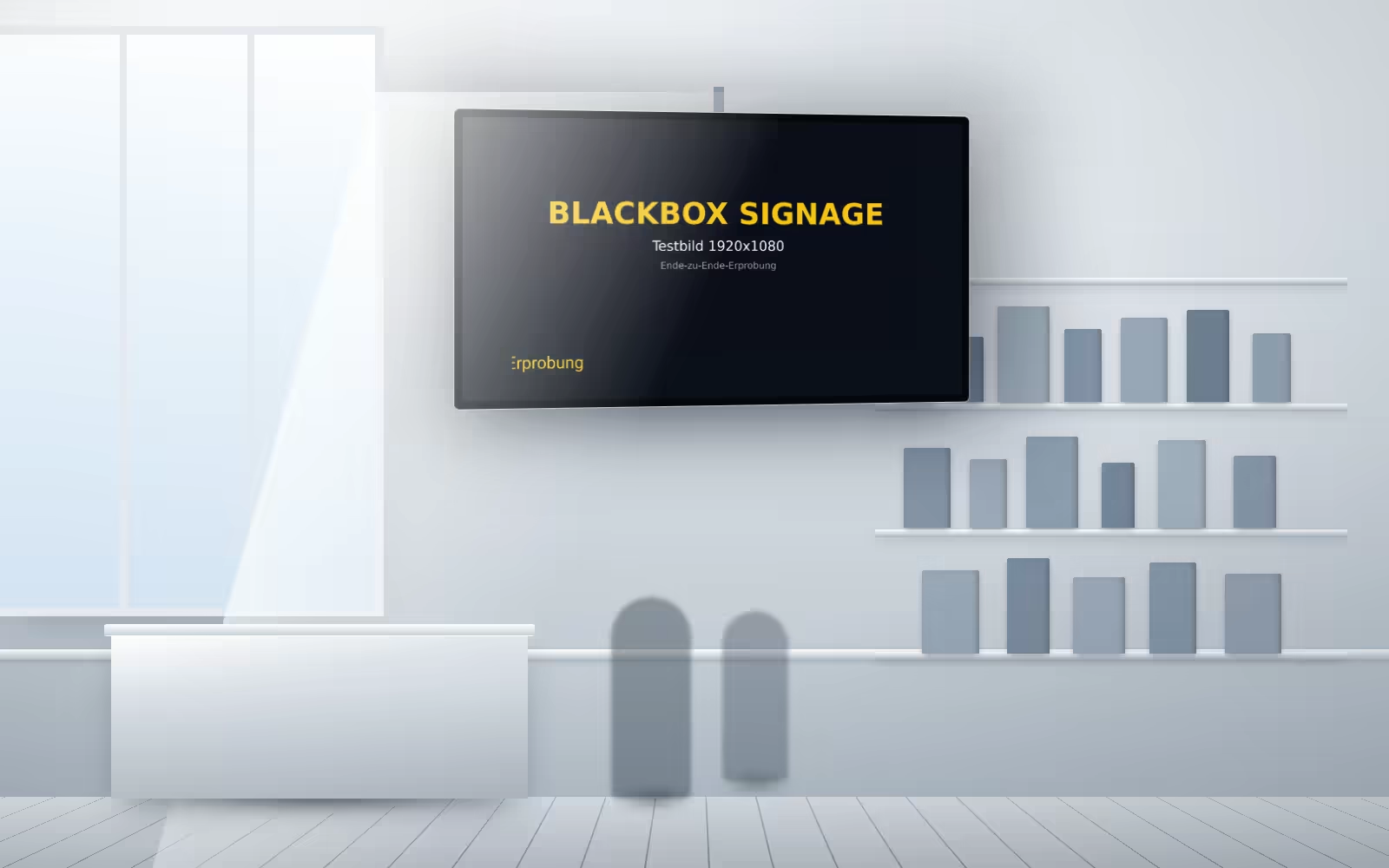
Illustration of a hotel lobby: a wall screen playing a layout, reflected in the floor.
Illustration, not a customer installation

Hotels

The lobby that answers questions

Daily programme, directions, events in the house — in the language that fits the group. Arabic too, read from the right and correctly joined.

  • Daily programme without easels
  • Several languages in rotation
  • Many screens, one schedule

Enquiry

Tell us how many screens

We come back with a proposal that fits your size. Pricing follows screen count and effort — which is why there is no number here that would be wrong for you anyway.

  1. You tell us how many screens and what for.

  2. We look at it and come back with an offer.

  3. If it fits, we set up your account and ship the devices.

3screens

One location

Counter, window or entrance. One device, one account, set up in an afternoon.

The slider passes the number on to the enquiry. We name no figure here — it follows screen count and effort, and a ballpark would be the wrong one for you anyway.

Optional. A phone call is usually quicker.
Optional. An estimate is fine.
Optional. What would you like to show, and where?

We use your details only to answer your enquiry. Privacy